Reports & Analytics
Turn fleet data into operational and executive insight.

Chapters and notes → Also: How to Track Warranties and Plan Hardware Replacement: the Hardware Lifecycle Report (2:56)Also: How to Spot Trends Across Every Client: Analytics, Capacity Forecast and Query Builder (3:35) All videos
Reports & Analytics provides both structured reporting and query-driven insight for fleet operations.
Reporting Workflows
Breeze supports:
- ad-hoc report generation for immediate answers
- saved report definitions with run history
- recurring schedules for periodic delivery
Report types cover inventory, software, alerts, compliance, performance, and executive summary views.
Analytics Surface
The analytics APIs provide time-series queries and dashboard-oriented data for trend tracking, capacity planning, and operational review.
Operational and Executive Use
Teams can use the same data platform for technician workflows and leadership reporting, reducing duplicate tooling and inconsistent metrics.
Tenant-Aware Data Access
Reporting and analytics respect scope boundaries for organization, partner, and system roles.
Why It Matters
When reporting and analytics are part of the same operational stack as monitoring and automation, decisions are faster and easier to validate.
Interactive demo · click through it yourself
7 steps
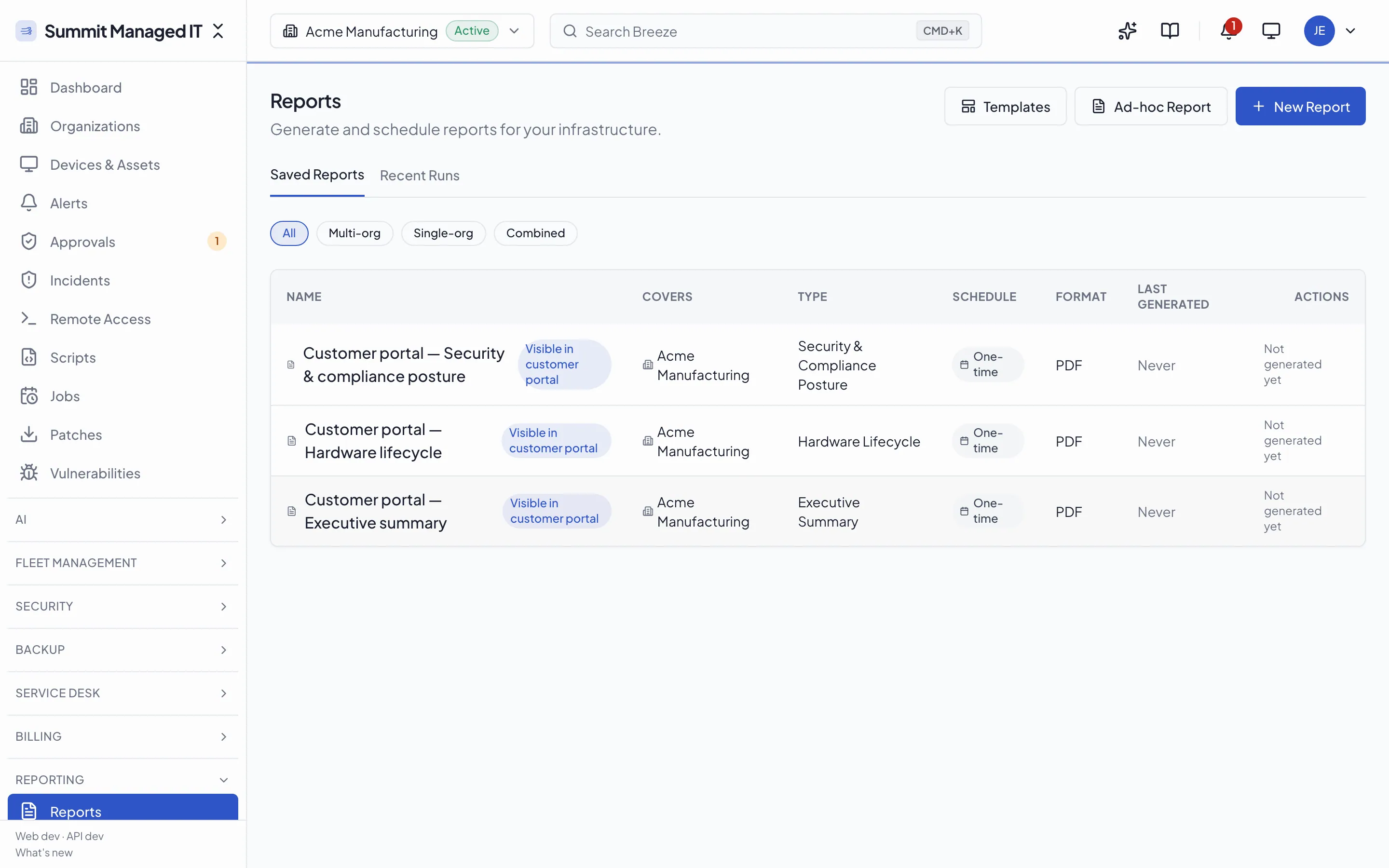
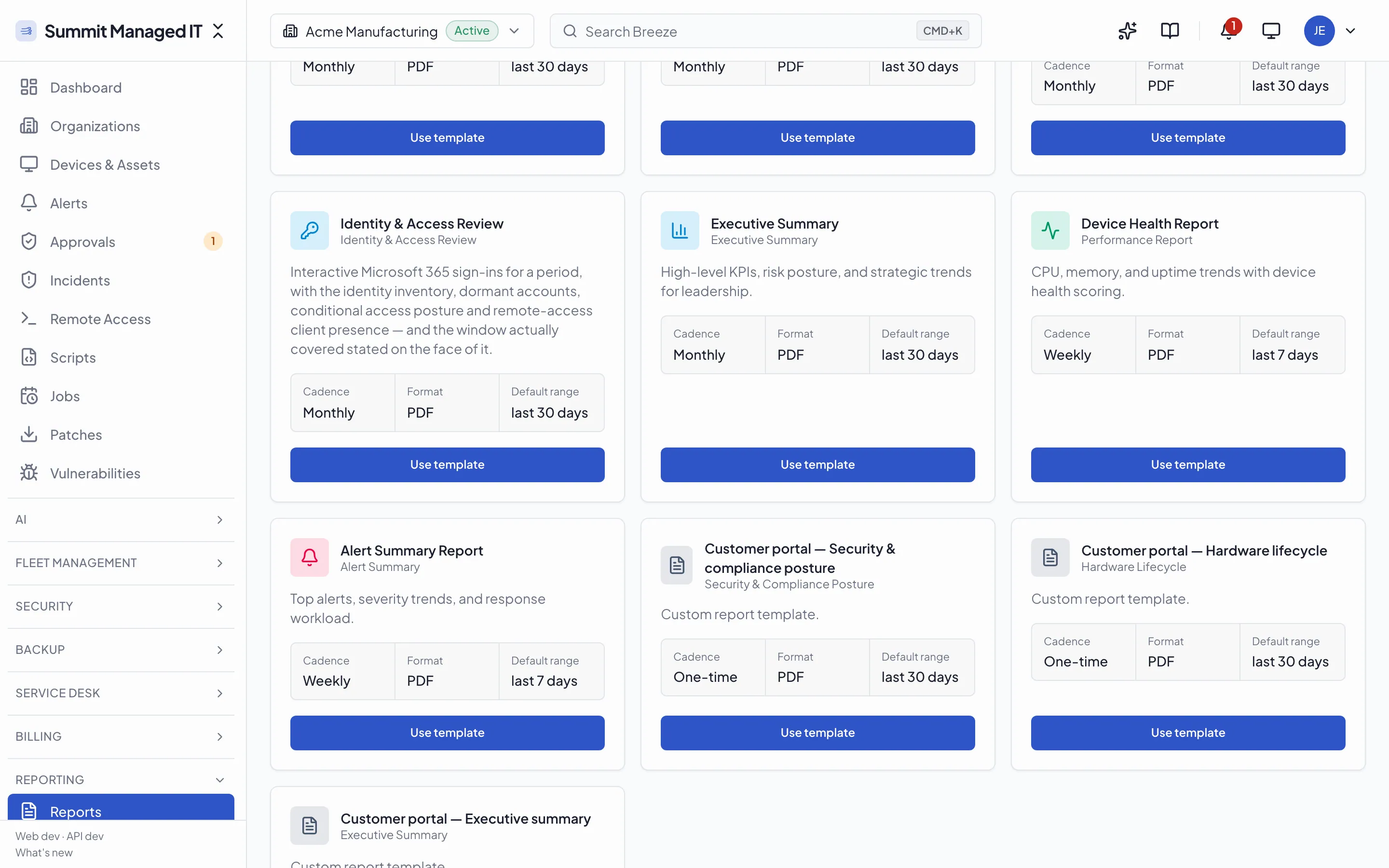
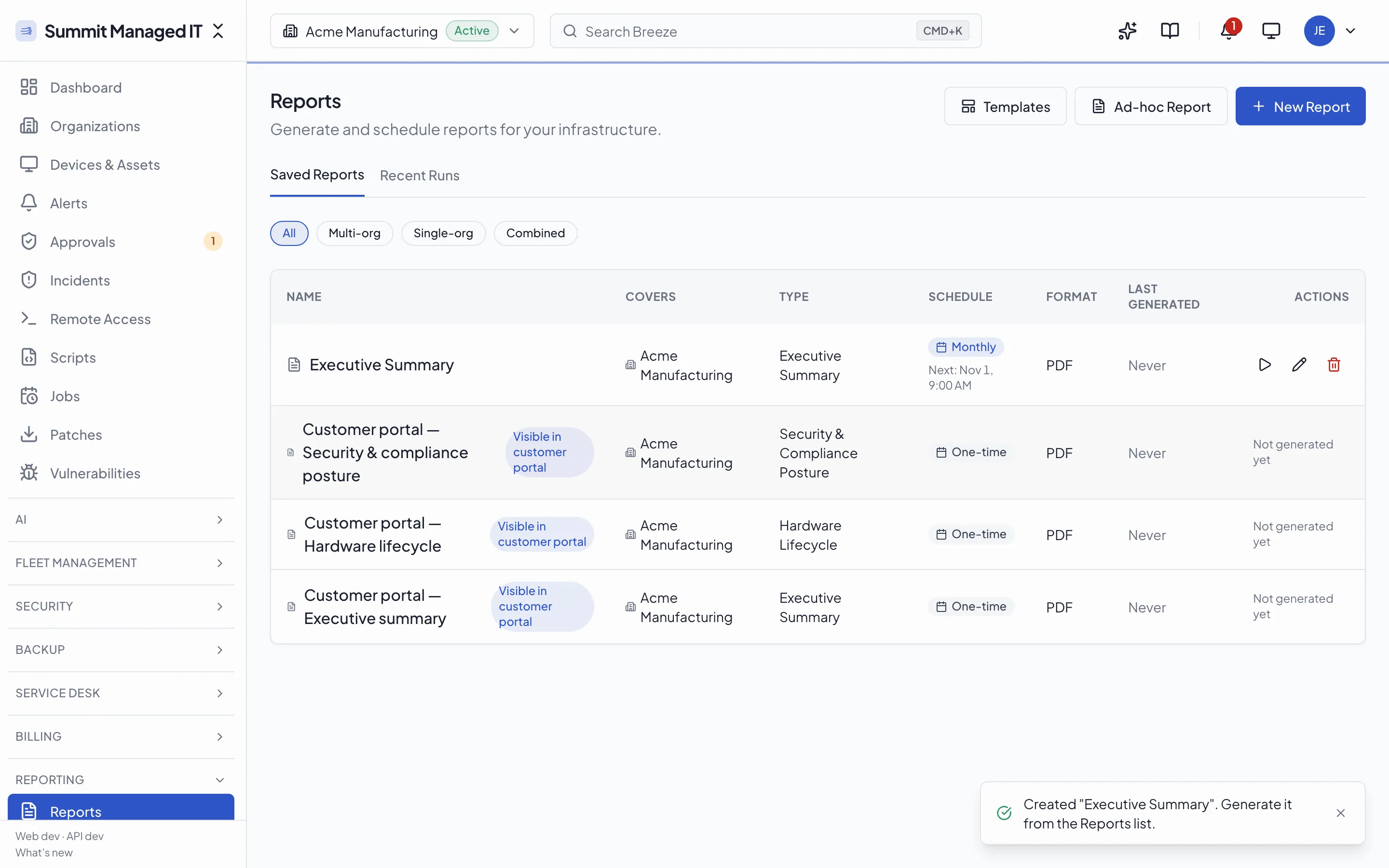
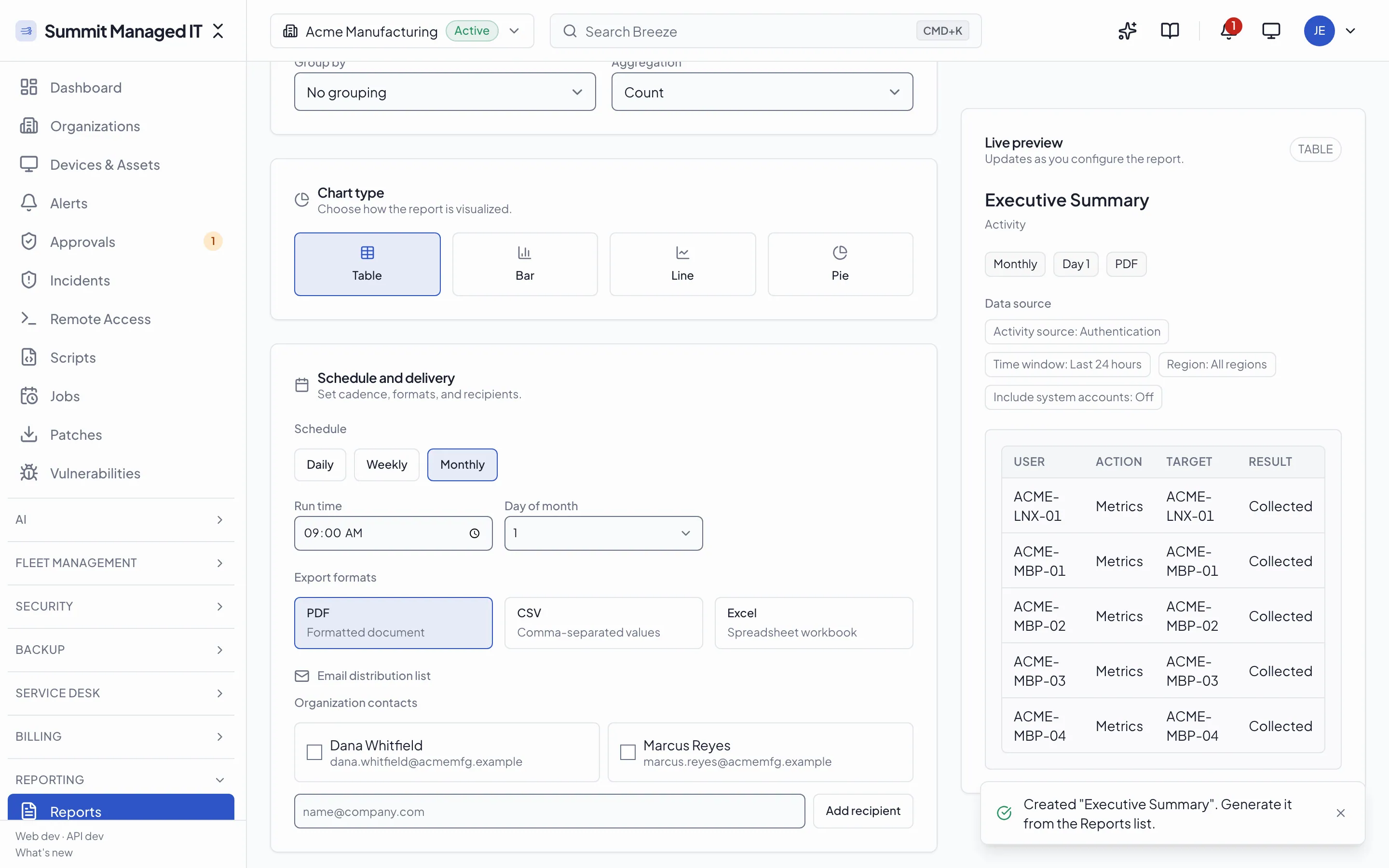
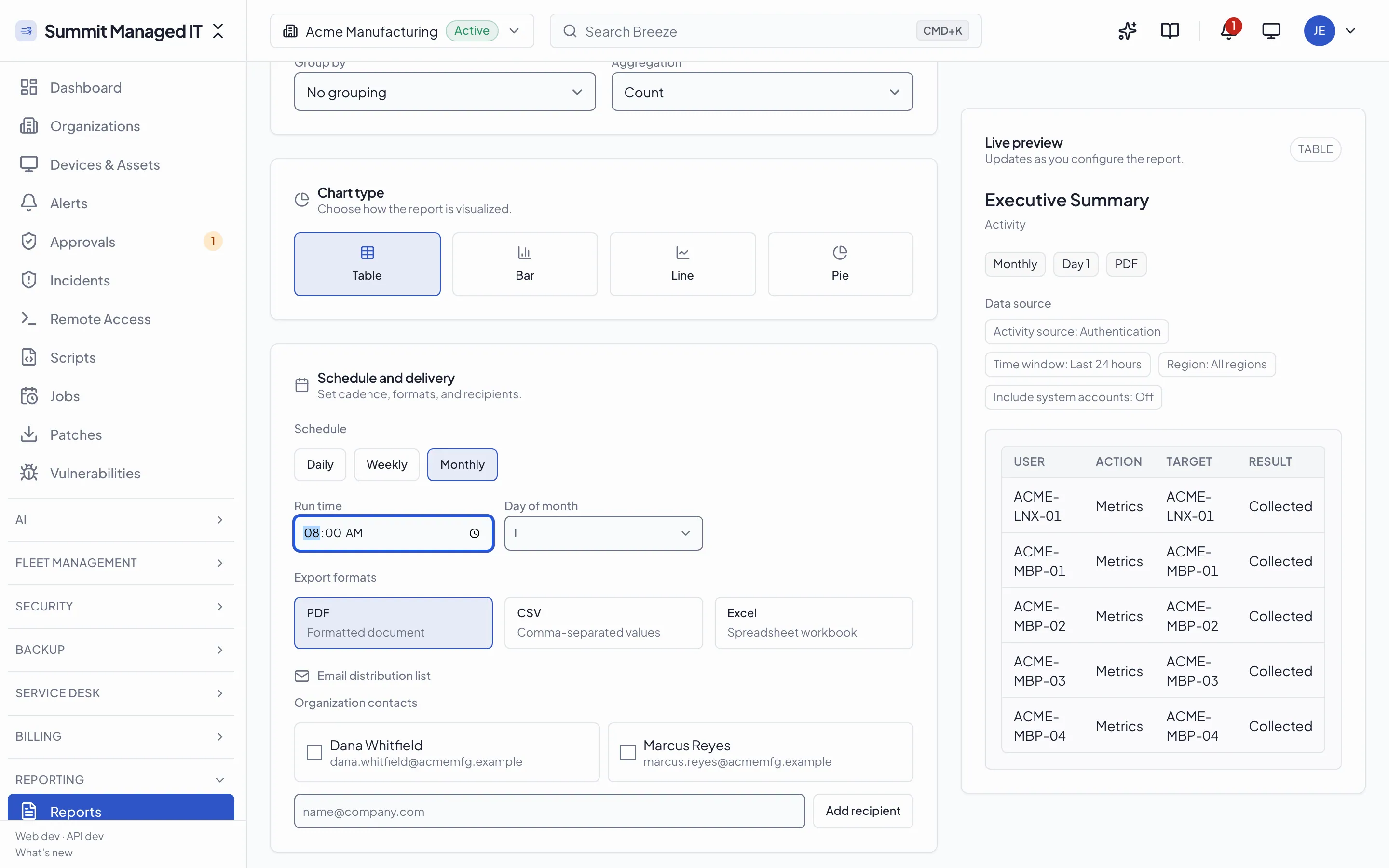
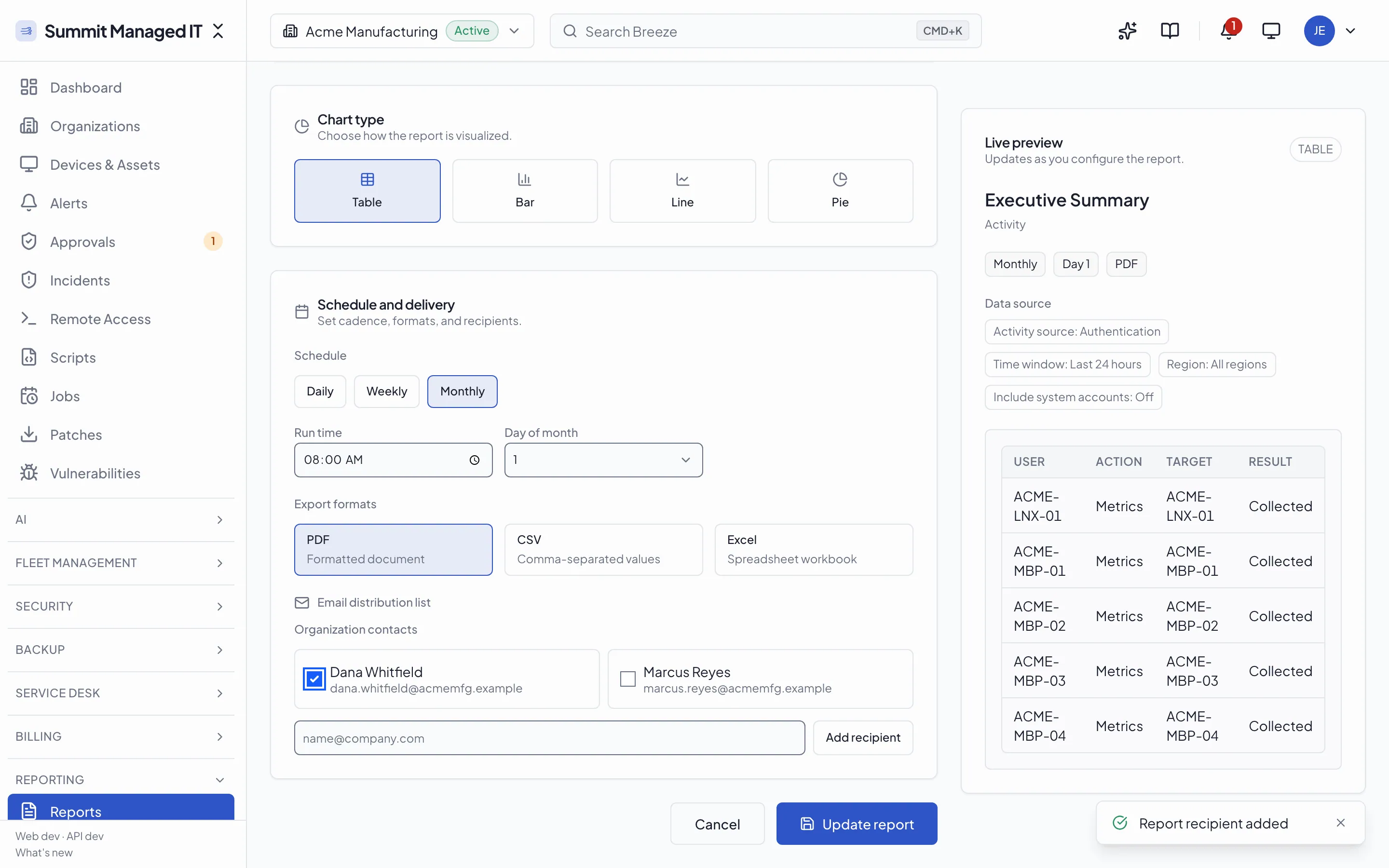
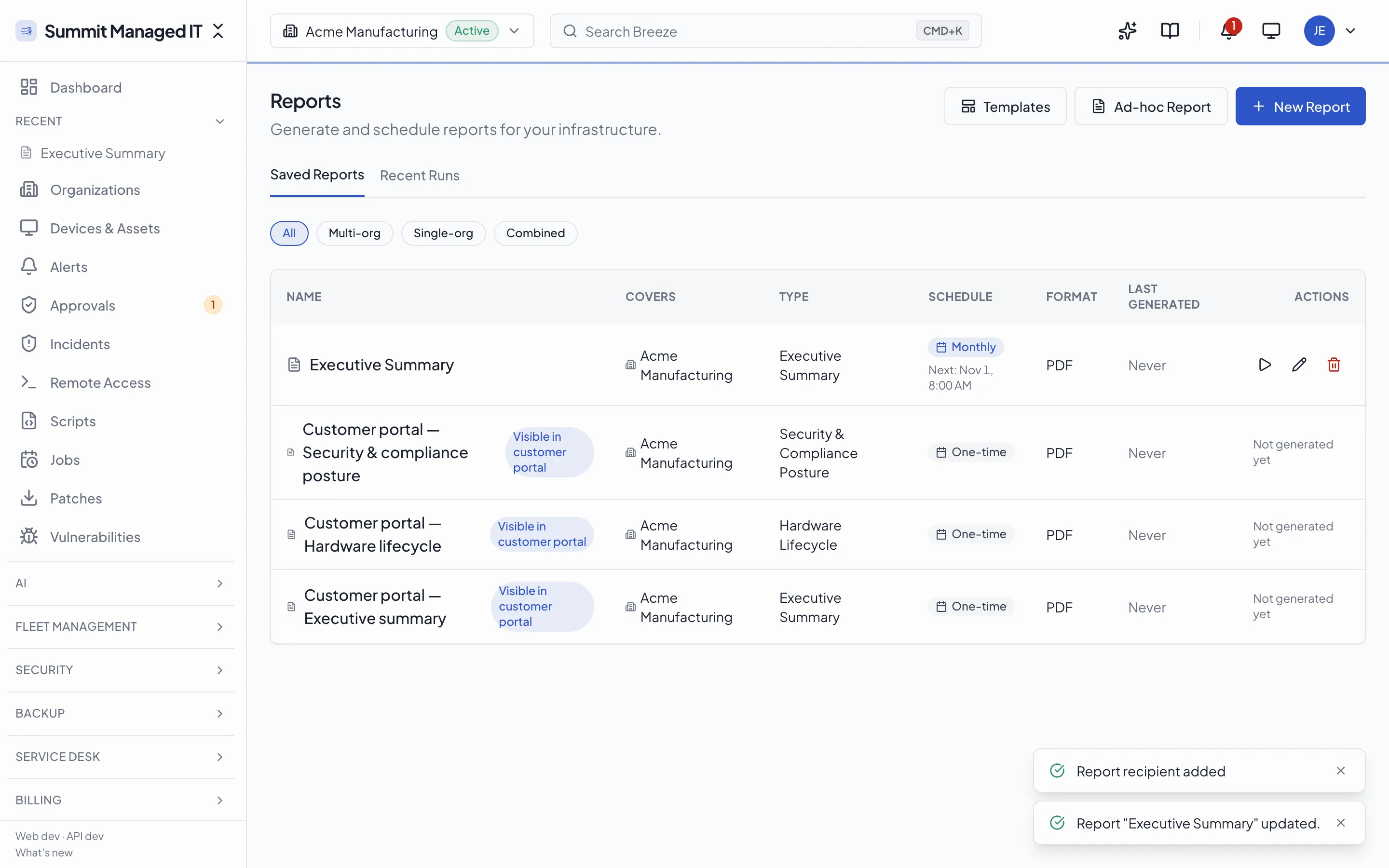
Screenshots from Breeze v0.124.0, captured 2026-10-23, on demo data.
Capabilities
Saved and Ad-Hoc Reports
Teams can run inline reports immediately or schedule persistent report definitions with run history.
Run Lifecycle Tracking
Report runs transition through pending, running, completed, and failed states with output metadata.
Analytics Query Layer
Time-series and dashboard analytics endpoints complement static report generation.
Tenant-Aware Access
Reporting and analytics data access follows organization, partner, and system scope controls.
Ready to see Reports & Analytics in action?
Start the Cloud Beta in minutes, or deploy for free with Docker Compose. Want a walkthrough first? Book a 20-minute demo.
Ready to try Breeze?
Self-host the open-source agent or join the managed cloud beta. No credit card required.
Related features
All features →Coming from another RMM? See how Breeze compares on price, features, and openness.
Compare Breeze