How to See Which Network Every Device Is Really On: Network Topology Explorer
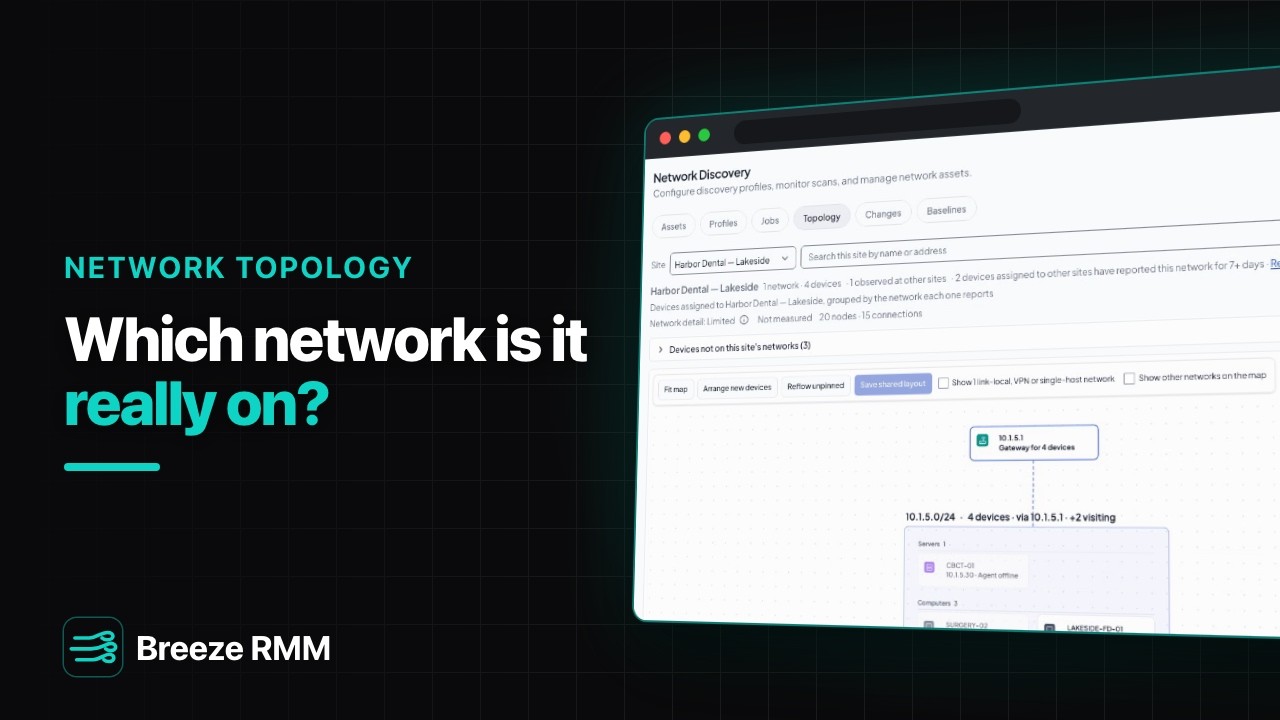
Watch Breeze RMM's network topology explorer map a two-office dental practice from what its agents and discovery scans already report. Each card is one network, a search finds any device by name or address, and the map is honest about decommissioned machines, stray networks and shared IP addresses. Two desktops filed under the wrong office get a site move suggestion with its evidence. Breeze only ever suggests the move. It never moves a device by itself.
3:35 Captions: English Open on YouTube
What's in the demo
- Network Discovery, Profiles: one profile per office, the row showing when it last ran, and the note that a profile's subnets also tell the map which networks belong to the site
- The Topology tab for the main office: the site header with its network and device counts, one card per network with devices sorted by role, Fit map, and the legend (dotted means inferred, not measured)
- Search by name: FRONT-01, the front desk PC, with its type, addresses and "Agent online" in the inspector
- Search by address: a printer with no agent, known only because it answered the last discovery scan
- Decommissioned devices kept off the map with a count in the toolbar, and Show other networks for networks that don't belong to the site
- BILLING-01 and a stray desktop on the same IP address, kept as two devices with a "Same IP as" note instead of merged
- The roster of devices not on this site's networks: two desktops that reported the Lakeside office's network for more than a week, "Probably assigned to the wrong site" with the evidence, and the Move and Keep buttons (shown, not clicked)
- A laptop on a home network listed under Other, with no guess about where it belongs
- The Lakeside site: the same two desktops shown as visitors, the header count, and Review opening the inspector's explanation
- The accessible list with its Declared column, then the Logical view (only the routing: which network each device is on and the gateway it uses)
- A device's own Topology tab, opening on that machine and its neighbours, and Show full site
Questions this video answers
- How do I turn on the topology explorer?
- It's enabled per partner. A partner admin turns it on under Settings → Modules. Until then the Topology tab says topology is off.
- How does Breeze know which networks belong to a site?
- From the subnets in the site's discovery profiles. Devices that report any other network aren't given a card on that site's map. They're listed under "Devices not on this site's networks" instead, and Show other networks puts them on the map when you want them there.
- Will Breeze move a device to the right site automatically?
- No. When a device assigned to one site keeps reporting another site's network for more than a week, Breeze flags it as probably assigned to the wrong site and shows the evidence. Move and Keep are your call. Breeze never moves a device's site by itself.
- Why does a device say "Same IP as 1 other device"?
- Two inventory entries report the same address, here a managed PC and a desktop found by discovery. Breeze shows both and says so in the inspector rather than merging them into one device.
- Can I start from a single device instead of the whole site?
- Yes. Every device has a Topology tab that opens on that machine and its neighbours. Show full site widens it back out to the whole office.
A note on the demo: the practice, devices and addresses are fictional lab data. The week of wrong-site history behind the two suggestions was seeded for the demo. On a real site, suggestions build up from presence history recorded once the explorer is on.
Do this on your own fleet
Everything in the video is in the product you get. Start the Cloud Beta in minutes, or self-host the open-source Community edition for free.