How to Set Up Recurring Billing for Managed Services Contracts
Breeze RMM bills a managed services agreement from a contract: per-device lines that count the client's devices each time it bills, a flat fee, and a draft invoice each period that lists every device it billed. Ticket time goes on a separate invoice, assembled from unbilled work.
4:02 Captions: English Open on YouTube
What's in the demo
- Billing → Contracts (All organizations): Est. monthly recurring $3,103.00 across 4 active contracts. Corestone Fabrication bills Monthly, Northfield CPA Group Quarterly
- New contract for Acme Manufacturing, "Acme Managed Services": In advance, Monthly, start 10/01/2026, auto-issue off, invoice note "Monthly managed services, per our agreement."
- Two Per device role lines: Workstation "Managed workstation" at $45.00 and Server "Managed server" at $125.00. Nobody types a quantity: they fill in as 25 and 5
- A Flat fee line, "Firewall and network management", $150.00. Estimated this period: $1,900.00 from today's counts. The coverage check flags "2 device(s) on this organization are not billed by any line on this contract: 2 Unknown"
- Activate contract: Active, next billing 10/1/2026, auto-issue "No (drafts)"
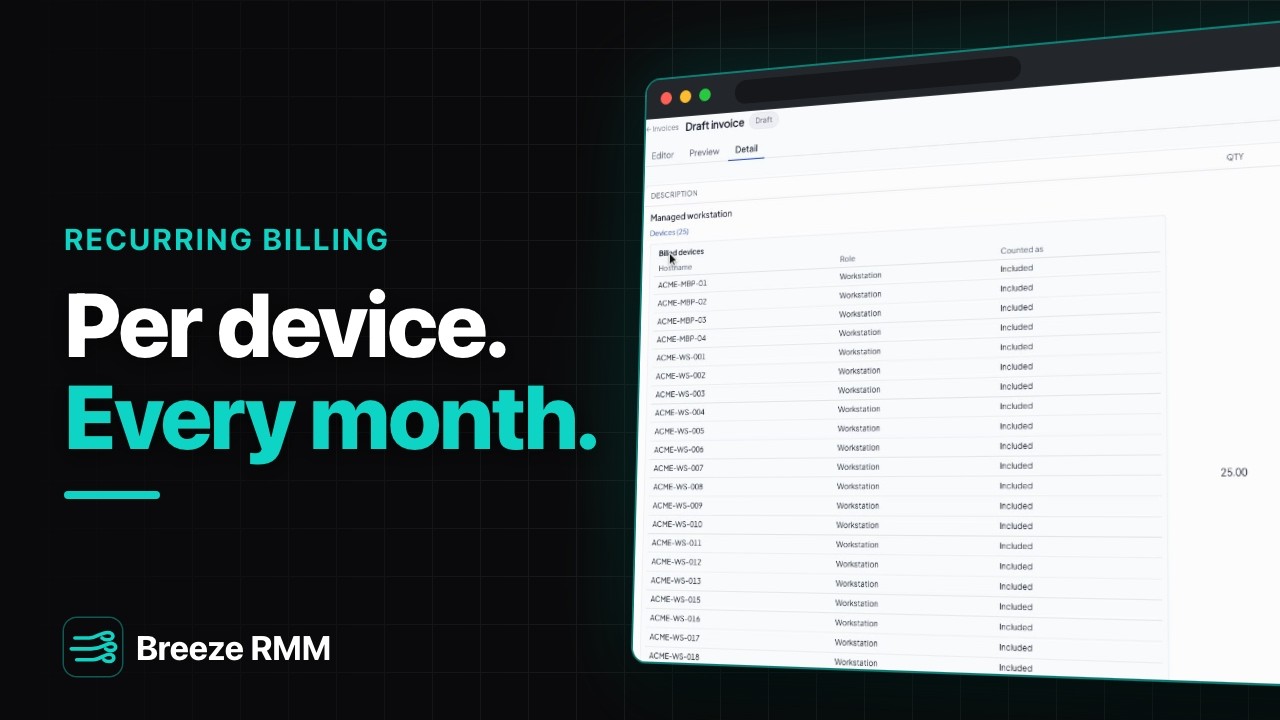
- Generate invoice now opens a draft. Detail tab → Managed workstation → Devices (25): the billed devices list, ACME-MBP-01 to ACME-WS-022. Balance due $1,900.00
- Editor tab: a manual line, "Replacement UPS battery", $189.00. The total becomes $2,089.00
- Issue & Send: To [email protected], subject "Invoice from Summit Managed IT", attach the PDF, an "Include billed devices appendix" option, and a pay link that needs no sign-in. Cancelled, so the invoice stays a draft
- Invoices → New invoice → Assemble from work for Acme's previous month: a separate draft with three time lines at $135.00/h (1.50 h on T-2026-0124, 2.00 h and 0.75 h on T-2026-0125), total $573.75
Questions this video answers
- How do I bill clients per device every month in Breeze RMM?
- Go to Billing → Contracts → New contract and add Per device role lines (Per device and Per device group lines are counted the same way). You set the price, and Breeze counts the devices every time it bills, so a machine added next month shows up on next month's invoice. Activate the contract to start billing.
- Does Breeze create contract invoices automatically?
- Yes. Once a day, Breeze bills every active contract that is due and leaves a draft invoice for you to review. If Auto-issue is on, it issues and emails it instead. Draft contracts never bill, and Generate invoice now bills the current period right away.
- Can a client see which devices they were billed for?
- Yes. Each per-device line on a contract invoice keeps the list of devices it counted, under Devices on the invoice's Detail tab. When you Issue & Send, you can attach that list as a billed devices appendix.
- How does ticket time get billed alongside a contract?
- Not on the contract invoice. Go to Invoices → New invoice → Assemble from work, pick the client and a date range, and Breeze gathers unbilled time and parts into a separate draft. Each line keeps its ticket number, and issuing it marks that time as billed. So a client with a contract and billable time in the same month gets two invoices. Block hours lines, not shown here, are the exception.
- Can I add one-off items to a contract invoice?
- Yes, while it's a draft. On the Editor tab, add a manual line or a catalog item. The client sees nothing until you issue it.
A note on the demo: two of Acme's devices have no role ("Unknown"), so no per-device line bills them, and the amber coverage warning stays on screen. Nothing was emailed: Issue & Send was cancelled. All organization, ticket and contact names are fictional.
Do this on your own fleet
Everything in the video is in the product you get. Start the Cloud Beta in minutes, or self-host the open-source Community edition for free.