How to Set Up Automated Patching for All Your Clients
Breeze RMM lets an MSP set up automated patching once (update rings, auto-approval rules, an install schedule, and reboot policy) and apply it to every client from a single partner-wide policy.
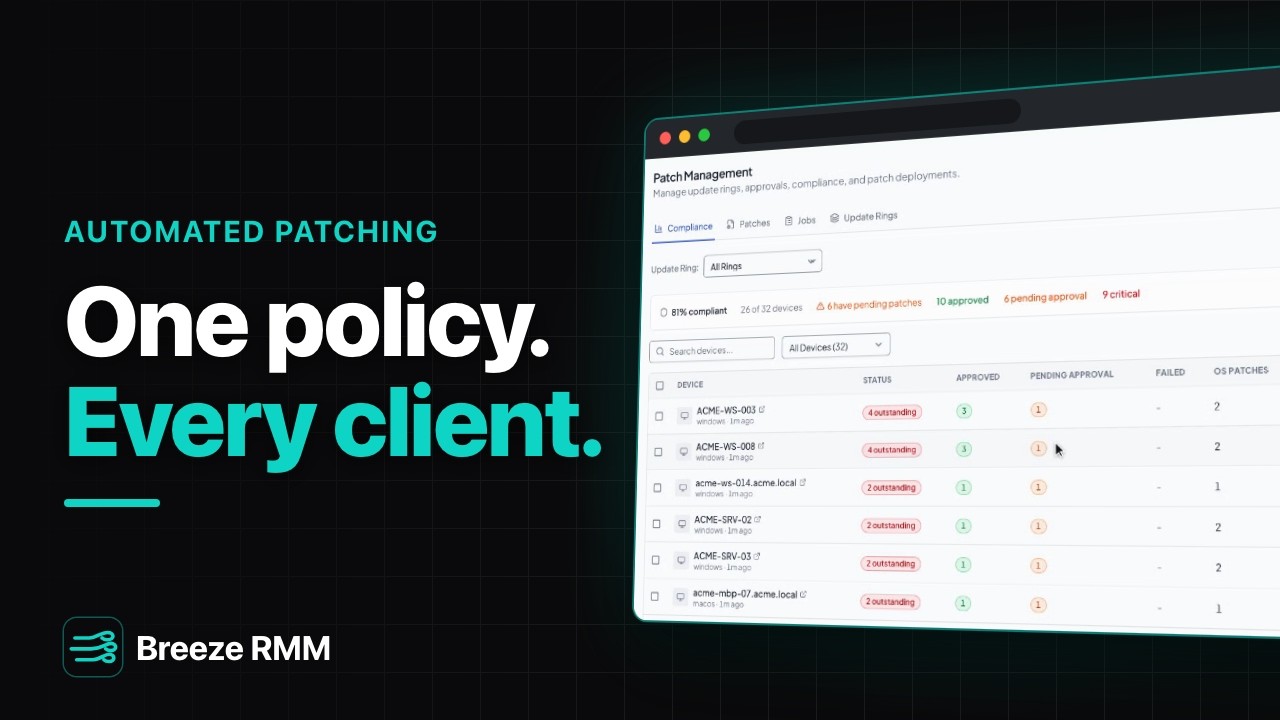
2:55 Captions: English Open on YouTube
What's in the demo
- The compliance board: every device's approved, pending, and critical patches, from what's installed on each machine
- Create a production update ring with a seven-day hold and auto-approval for critical and important patches
- Build a configuration policy in the partner library: attach the ring, turn on third-party patching (browsers, archivers, runtimes), set a 2 a.m. install window, and let Breeze manage Windows Update
- Assign the policy to all organizations with one checkbox, so current and future clients inherit it
- Approve a Windows cumulative update once; the approval applies to every client
- Queue outstanding installs from the compliance board; they go out on each device's next check-in
Questions this video answers
- Can Breeze RMM auto-approve patches?
- Yes. An update ring can auto-approve critical and important patches after a hold period you choose. This demo uses seven days.
- Do I have to set up patching separately for each client?
- No. Create the configuration policy in the partner library and assign it to all organizations. Every client, including ones you sign later, inherits the same rings, rules, and schedule.
- If I approve a patch manually, do I have to approve it for every client?
- No. Approvals live at the partner level, so one approval covers every client.
- Does Breeze RMM patch third-party applications?
- Yes. The patch policy turns on third-party patching for apps such as browsers, archivers, and runtimes, alongside Windows Update.
- Can I install outstanding patches now instead of waiting for the schedule?
- Yes. Select devices on the compliance board and queue the installs; they run on each device's next check-in.
Do this on your own fleet
Everything in the video is in the product you get. Start the Cloud Beta in minutes, or self-host the open-source Community edition for free.