How to Respond to a Malware Detection: IOC Scan to Client Report
Breeze RMM works one malware detection on a client workstation from the IOC scan hit to a client-ready incident report: quarantine the file, sweep the other machines, read the incident record, and have the AI assistant draft the report from what your team logged.
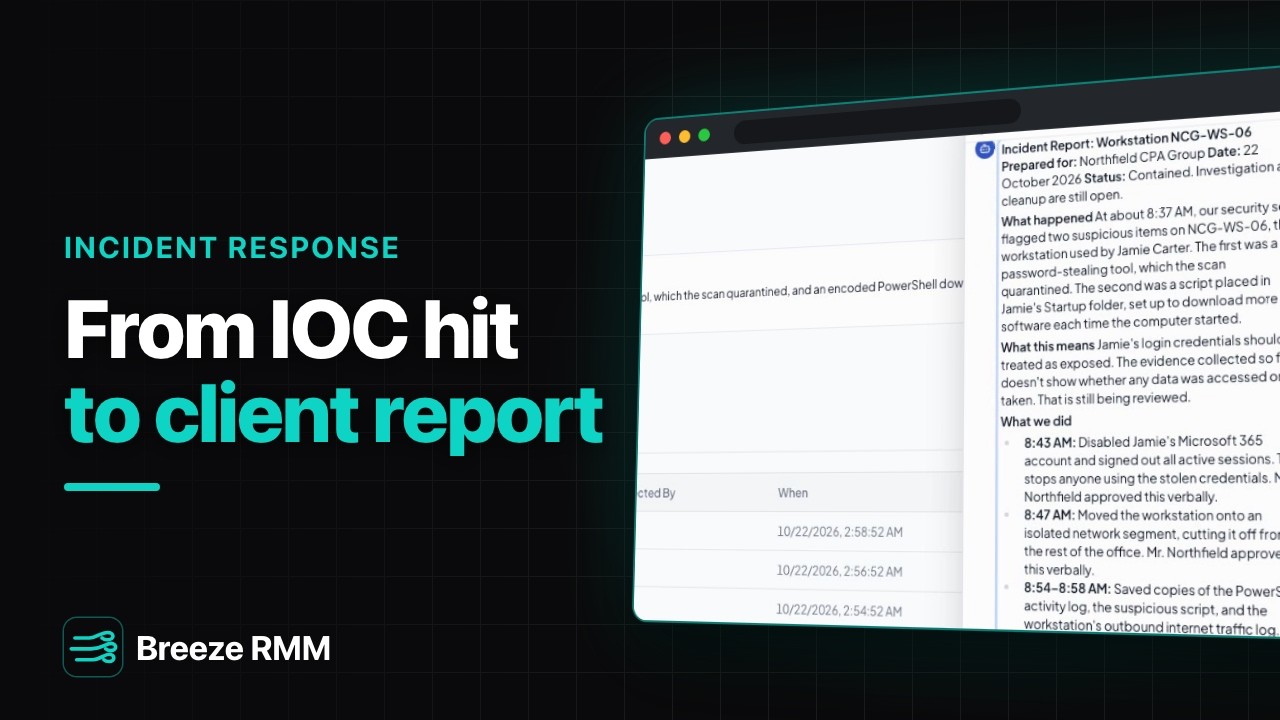
4:20 Captions: English Open on YouTube
What's in the demo
- Security → IOC Scans, Threats tab for Northfield CPA Group: two hits on NCG-WS-06, HKTL_Mimikatz_Strings (Hacktool, Critical, Quarantined) and SUSP_PS_Encoded_Downloader (Downloader, High, Active)
- The downloader's Threat Detail: a PowerShell script, OneDriveSync.ps1, in Jamie's Startup folder; Provider "breeze"; Related Threats lists the Mimikatz hit on the same machine
- Quarantine selected from the list: the toast reads "1 threat queued" and the badge stays Active until the agent reports back
- Scans tab: NCG-SRV-01 and NCG-WS-01 to 05 ticked, Scan type Full scan, Start scan → "6 scans queued"
- Incidents: one tracked incident, "Credential-theft tool and PowerShell persistence on NCG-WS-06", source Breeze, P2, Contained
- The incident header: P2, Contained and malware badges, the Summary, and the Detected and Contained date cards
- Timeline, oldest first: "Incident created" by brain (the AI assistant), a system line, then five user lines: the Microsoft 365 account disabled, the machine moved to an isolated VLAN, three pieces of evidence
- Actions (2, both completed) and Evidence (3: log, file, network), each with a SHA-256 hash
- Breeze AI asked for a plain-English client report: tool cards "Listed organizations", "Listed incidents", "Generated incident report"
- The draft: Incident Report: Workstation NCG-WS-06, with What happened, What this means, What we did, Current situation and five Next steps
Questions this video answers
- What is an IOC scan in Breeze RMM?
- Under Security → IOC Scans, Breeze sweeps devices for files that match known indicators of compromise using signature rule sets. It is not a replacement for antivirus or EDR. Pick devices and a Quick or Full scan on the Scans tab; each scan runs when that device's agent picks up the job, and hits land on the Threats tab.
- Does quarantining a threat in Breeze RMM take effect right away?
- Quarantine selected on the Threats tab queues a job for the agent, and the toast says so ("1 threat queued"). The threat's status changes only once the agent reports the file was moved, so the list never shows a quarantine nobody confirmed.
- How do I track a security incident in Breeze RMM?
- The Incidents page lists the selected client's tracked incidents. Each shows severity, status, classification, summary, key dates, and Timeline, Actions and Evidence tabs. These pages are for viewing: there is no button on them to open, update or close an incident. The demo incident's timeline shows it was opened by the AI assistant.
- Does logging a containment action in Breeze run it on the device?
- No. An action on the incident is the record of what your team did, here disabling a Microsoft 365 account and isolating the machine on the office switch. Evidence entries keep a SHA-256 hash and where the file is stored, not the file itself.
- Can Breeze RMM write an incident report for a client?
- Yes, through the AI assistant. Ask it for an incident report and it reads the incident's timeline, actions and evidence with read-only tools, so nothing waits on an approval, then writes a draft. There is no report button on the incident page. Read the draft before it goes out.
A note on the demo: Northfield CPA Group, Jamie Carter and every device are fictional. The detections and incident record were set up before the take; the quarantine and six scans were really queued, but no agent ran them. The report is live, unedited model output (Claude Sonnet 5.5). Its times (8:37 AM onward) are in a different time zone from the page's (2:36 AM onward), and it reads the logged "Verbal OK from P. Northfield" as "Mr. Northfield approved this verbally".
Do this on your own fleet
Everything in the video is in the product you get. Start the Cloud Beta in minutes, or self-host the open-source Community edition for free.